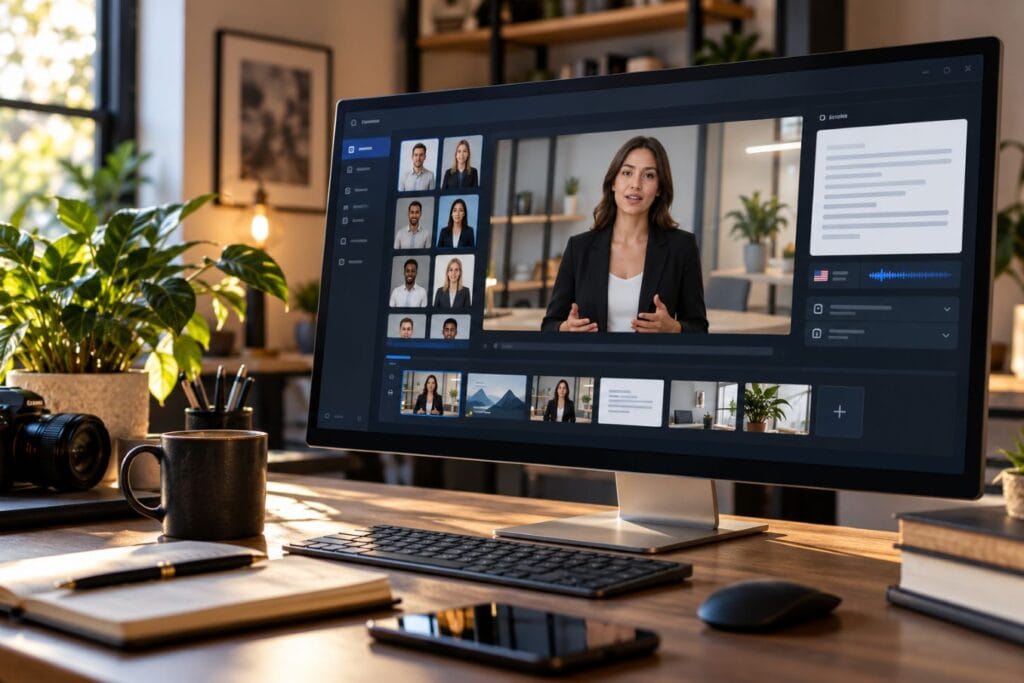
Let’s be honest for a moment. You didn’t start your business so you could spend six hours setting up ring lights, tweaking audio levels, and re-recording the exact same intro twenty-four times because your dog barked or you stumbled over your script. Video can help build trust with potential clients, but making videos the traditional way can take hours and get in the way of running your business. That is precisely why using Synthesia for entrepreneurs has become a practical option for creating visual content without high studio expenses or endless reshoots.
Imagine turning a written document into a clear, professional video featuring an AI presenter without setting up a camera or hiring an outside crew. Whether you’re trying to refine sales outreach, build online training, or explain your offerings to an international audience, AI video generation shifts how small businesses handle visual media.
In this guide, we’ll look at what Synthesia actually does, where it provides real utility, and 15 grounded ways small business owners and creators can use it without adding more work to their plate.
- What Is Synthesia?
- Why Synthesia for Entrepreneurs Makes Sense
- Ways to Use Synthesia for Entrepreneurs
- How to Create Your First AI Video in 4 Steps
- Is Synthesia Worth the Investment? (A Realistic Look at ROI)
- Where Synthesia Works Best — and Where It Doesn’t
- Final Thoughts: Building Better Systems for Your Business
What Is Synthesia?
At its simplest level, Synthesia is a web-based AI video platform that converts written text into video. Instead of hiring an actor or filming yourself, you type a script, choose a digital presenter (an “avatar”), select a voice, and the software generates a finished video.
Behind the scenes, the platform relies on synthetic video generation models trained on real human presenters. When you feed it a script, the engine matches the visual movements, facial alignment, and speech patterns of your chosen avatar to the spoken words. You can add slide backgrounds, text overlays, logos, and screen captures right alongside the avatar.
You don’t need fancy editing software or high-end computer hardware. If you know how to type an email and set up a basic presentation slide, you have all the technical skill needed to use it.
Synthesia is one of several AI platforms entrepreneurs can use to save time and handle more work without adding more people. If you want to compare it with other tools, see our guide to the 10 Best AI Platforms for Entrepreneurs to Work Smarter.
Why Synthesia for Entrepreneurs Makes Sense
Before we get into the 15 ways you can use it, it helps to understand why a business owner would consider using synthetic video in the first place. It usually comes down to four simple reasons:
- Time and Effort: Filming a 3-minute video the traditional way can take hours of setup, recording, and editing. With an AI tool, writing and generating that same 3-minute video takes a fraction of that time.
- On-Camera Comfort: Not every entrepreneur wants to be the public face of every tutorial, internal training document, or product guide. An avatar lets you deliver visual information without needing to perform on camera.
- Updating Old Content: If your product pricing changes or your software interface updates, traditional video requires a complete re-shoot to match lighting and audio. With text-to-video tools, you simply edit the text in your script and re-generate the clip.
- Consistency: If you produce educational modules or client guides over several months, using a consistent avatar and visual layout ensures your materials look cohesive, regardless of when they were built.
Ways to Use Synthesia for Entrepreneurs
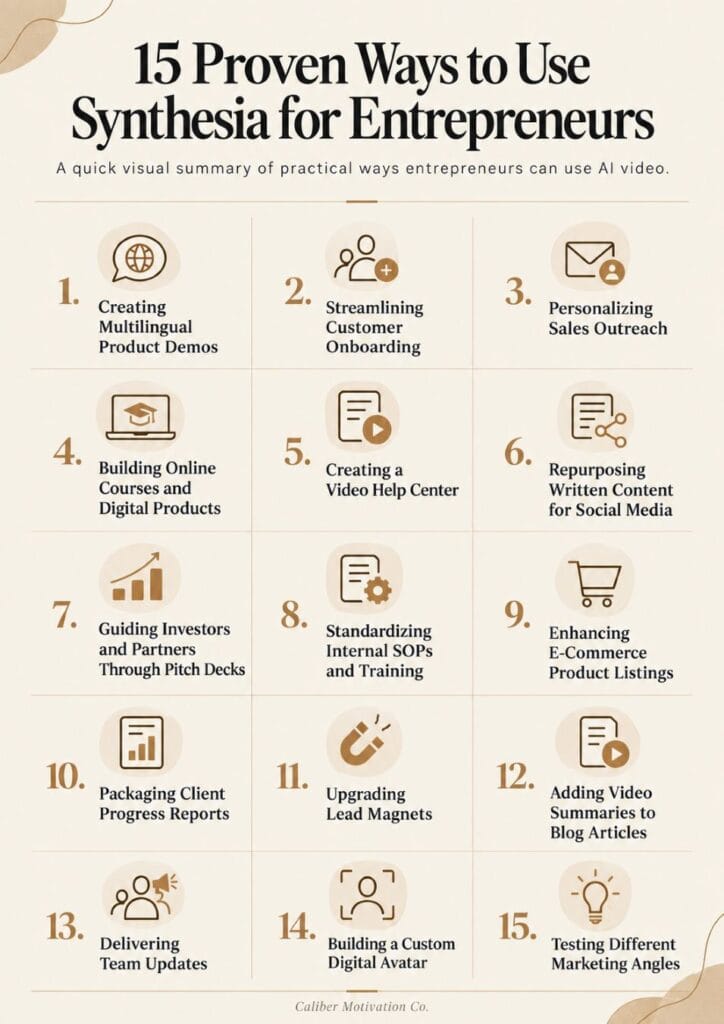
Here are fifteen practical ways business owners, creators, and agency founders use Synthesia to streamline operations, train teams, and create helpful content.
1. Creating Multilingual Product Demos
Want to sell your product in other countries but don’t speak the language? Creating separate videos for each market can get expensive fast, especially if you need different voice actors.
Synthesia lets you translate one script into different languages and choose a matching voice. That makes it easier to create product guides for customers in other countries.
2. Streamlining Customer Onboarding
Customer onboarding is the process of helping a new customer understand what to do after they buy from you. That might include setting up an account, using a product, booking a service, or following the next steps.
Instead of making customers read a long setup guide, you can use Synthesia to create a short video walk-through. An AI avatar can welcome the customer, explain each step, point out important settings, and show them what to do first.
3. Personalizing Sales Outreach
Trying to get a potential client’s attention with another plain email can be tough. A short personalized video can make your message feel more direct and easier to understand.
With Synthesia, you can use an AI avatar to explain a proposal, mention a client’s goals, or introduce your offer. Just make it clear that the video was created with AI instead of pretending it’s a live recording.
4. Building Online Courses and Digital Products
Want to create an online course without spending hours filming every lesson? Recording dozens of videos can quickly become one of the slowest parts of building a digital product.
With Synthesia, you can write each lesson as a script and turn it into an avatar-led video. That lets you build a full course without worrying about cameras, lighting, room noise, or recording everything over again.
5. Creating a Video Help Center
Customers usually want quick answers, especially when the problem is simple. A short video can be easier to follow than a long FAQ page or setup guide.
Turn your most common questions into short tutorials using an AI avatar, then add those videos to your help pages. Customers can get answers on their own without waiting for you to respond.
6. Repurposing Written Content for Social Media
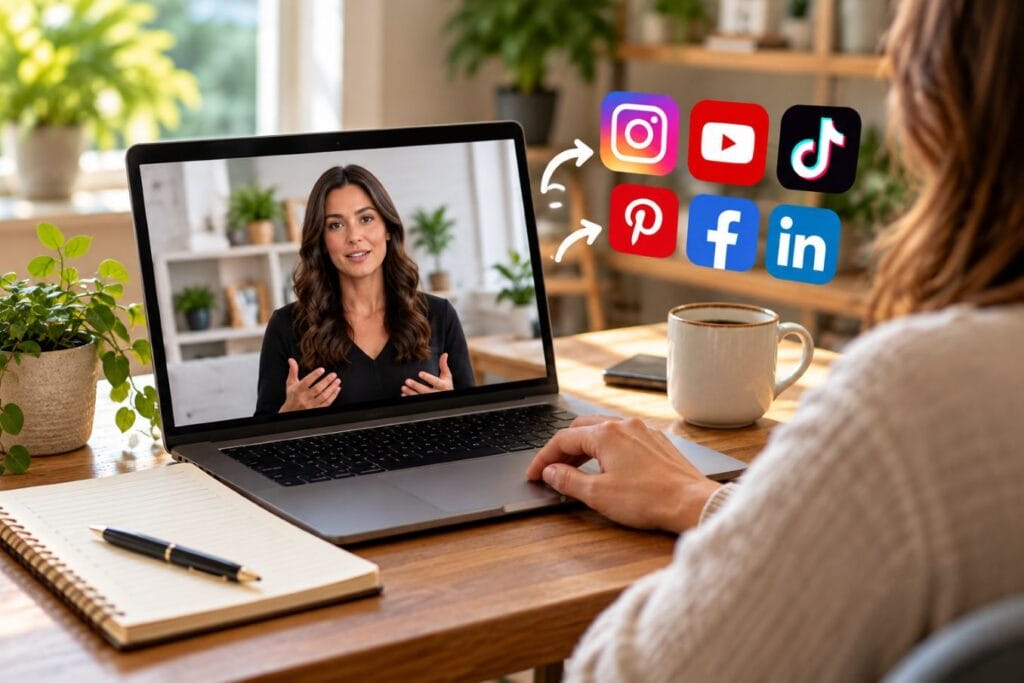
A good blog post or newsletter can do more than live in one place. The same idea can become a short video for social media.
Take a useful section from something you already wrote, shorten it into a script, and let an avatar present it. That gives you more content without having to come up with a new idea every time.
7. Guiding Investors and Partners Through Pitch Decks
A pitch deck is a short presentation that explains your business, your idea, and why someone may want to invest in it or work with you. The problem is that slides alone don’t always explain the full story.
You can use a Synthesia avatar to walk through the presentation, explain the numbers, and add context to each slide. That way, investors or partners can hear your message even when you’re not there to present it live.
8. Standardizing Internal SOPs and Training
As your business grows, you may bring in employees, freelancers, or virtual assistants. They need to know how you want certain tasks done.
SOPs, or Standard Operating Procedures, are step-by-step instructions for those tasks. Turning them into short training videos can make them easier to follow and save you from explaining the same process over and over.
9. Enhancing E-Commerce Product Listings
Photos can show what a product looks like, but they don’t always answer every question a buyer has. A short video can explain the size, show how something works, or cover care instructions before someone buys.
Using video on a product page can give shoppers more information and help them feel more confident about what they’re getting.
10. Packaging Client Progress Reports
Sometimes a client wants to know what’s been done, what changed, and what happens next. Sending a long written update every month can take more time than it should.
You can turn the main points into a short video recap instead. Your Synthesia avatar can walk your client through results, project milestones, and next steps in a way that feels clear and organized.
11. Upgrading Lead Magnets
A lead magnet is something useful you give away in exchange for an email address. It could be a checklist, guide, template, or short lesson.
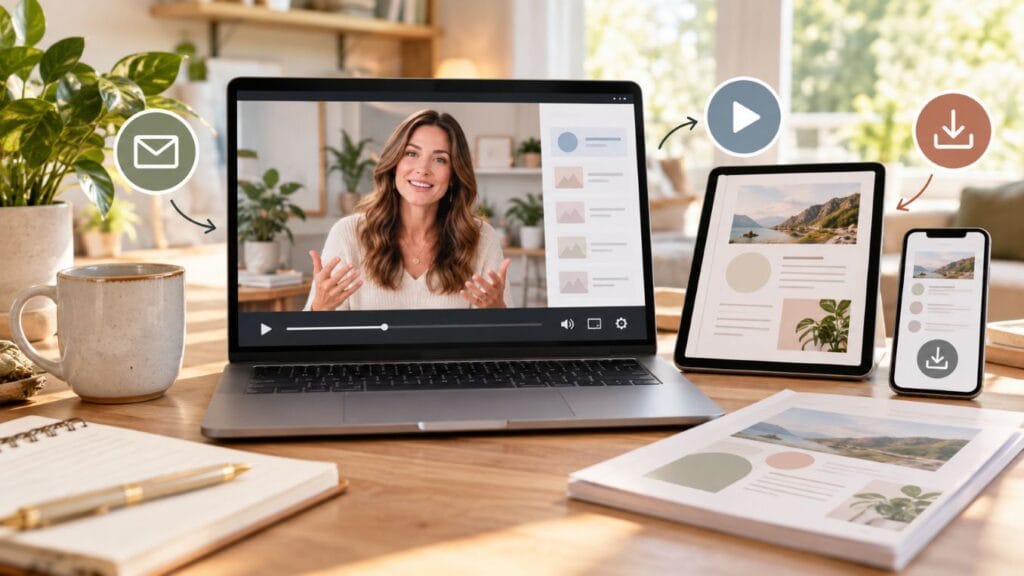
Instead of offering only a PDF, you can turn that same information into a short video mini-class. That gives people another way to learn from you and can make the free resource feel more useful.
12. Adding Video Summaries to Blog Articles
Some readers would rather watch a quick summary than read a full article from top to bottom. A short video near the top of the page gives them that option.
You can take the main points from your blog post, turn them into a short script, and use an AI avatar to present them. The written article still stays there for readers who want more detail.
13. Delivering Team Updates
As your team grows, keeping everyone on the same page can take more time than you expect. Long emails are easy to skim, and important details can get missed.
A short video update gives you another way to explain changes, deadlines, or project news. Your AI avatar can deliver the message clearly so remote workers, freelancers, or employees all hear the same update.
14. Building a Custom Digital Avatar
If you want your videos to still feel like they come from you, Synthesia can create a custom avatar based on your appearance and voice.
Once it’s set up, you can type a script and have your digital avatar present it for you. That can save time when you need regular videos but don’t want to get on camera every week.
15. Testing Different Marketing Angles
Sometimes one small change in a message can make people respond differently. That could be the opening line, the offer, or the call to action.
Instead of filming several versions of the same video, you can change the script and create multiple versions quickly. Then you can test which message gets the best response from your audience.
How to Create Your First AI Video in 4 Steps
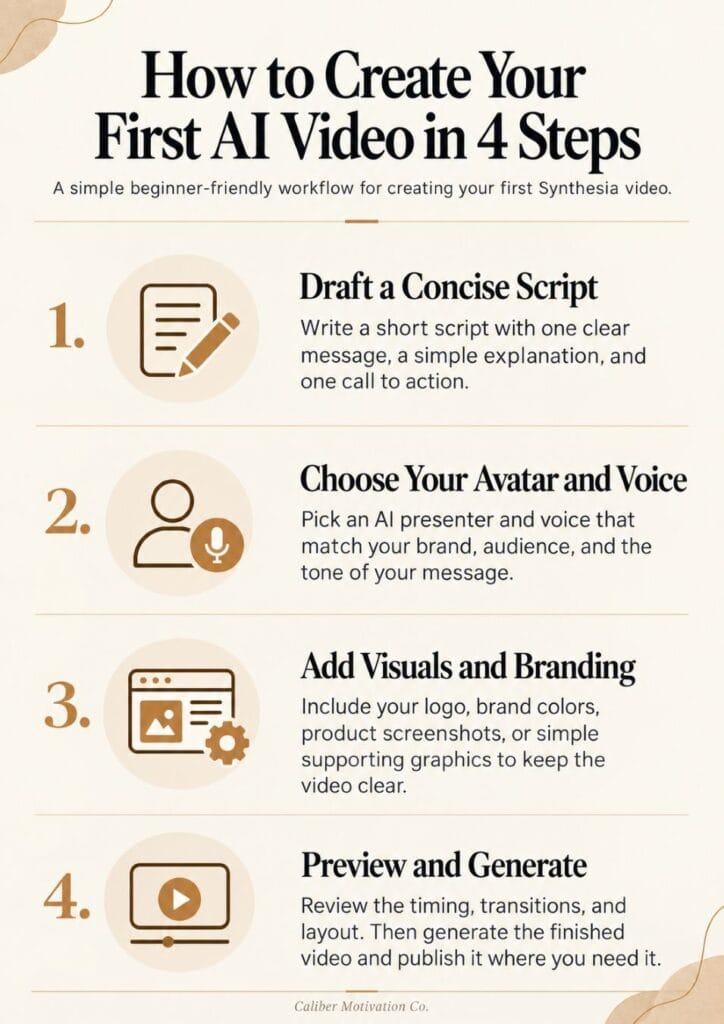
Getting started with a video platform doesn’t need to be complicated. Here is a simple 4-step workflow to go from a blank page to a finished asset:
- Draft a Concise Script: Keep your writing simple and direct. For a one-minute video, target around 130 to 140 words. Focus on a clear opening point, a straightforward explanation, and a single call to action.
- Select Your Presenter and Voice: Pick an avatar whose attire and style fit your business context (casual, corporate, or technical), then choose a voice accent and pacing that matches the tone of your message.
- Set Up the On-Screen Visuals: Place your brand logo in the corner, set your background color, and add supporting elements—like bullet points, product screenshots, or lower-third text labels—to keep the layout clean and readable.
- Preview and Generate: Watch the preview to verify speech timing and screen transitions. Once you’re happy with how the text reads, generate the finished video file and embed it on your site or platform.
Is Synthesia Worth the Investment? (A Realistic Look at ROI)
Whether Synthesia is worth paying for depends on how often you plan to use video and what you would spend creating those videos another way.
For example, imagine a small business needs 12 training or explainer videos in one year. Hiring freelancers, actors, or videographers for every video could cost thousands of dollars. A Synthesia subscription may cost much less, especially if you create the videos yourself.
Consider a hypothetical scenario where a small business needs 12 explainer or internal training videos over the course of a year:
| Production Approach | Estimated Financial Investment | Estimated Time Required |
| Outsourced Traditional Production (Freelancers, actors, videographers) | $2,400 – $6,000+ per year ($200–$500 per clip) | High (Managing edits, filming days, revisions) |
| Synthesia Subscription (Self-service plan) | $200 – $1,000 per year (depending on plan level) | Low (Scriptwriting and text-based generation) |
The savings aren’t only about money. You’re also saving time. If you can create a training video or product walkthrough in an afternoon instead of spending days planning, filming, and editing, you can put that time back into running your business.
Where Synthesia Works Best — and Where It Doesn’t
Synthesia can save time in a lot of situations, but it isn’t the best choice for every kind of video. Knowing where it works well helps you use it without forcing AI into places where a real person would be better.
Where Synthesia Works Well
- Explainer videos and product guides
- Employee onboarding and training
- Turning written instructions into video
- Creating videos in different languages
- Slide-based presentations and updates
Where a Real Camera Is Still Better
Personal stories: If you’re sharing something emotional or personal, being on camera yourself usually feels more genuine.
Hands-on product demos: If people need to see how a product moves, feels, works, or holds up in real life, actual footage will usually do a better job.
Interviews and conversations: Podcasts, interviews, and unscripted discussions depend on real back-and-forth between people. An AI avatar can’t really replace that.
Affiliate Disclosure: This post may contain affiliate links. If you purchase through one of these links, I may earn a small commission at no extra cost to you.
Recommended Reading for Business Owners
- Co-Intelligence by Ethan Mollick — A practical look at how people can work alongside generative AI to improve creativity, productivity, and everyday business tasks.
- Power and Prediction by Ajay Agrawal, Joshua Gans, and Avi Goldfarb — Explains how AI creates business value and how to decide where automation actually makes sense.
- AI Snake Oil by Arvind Narayanan and Sayash Kapoor — A useful counterbalance that helps business owners separate real AI capabilities from exaggerated claims.
Final Thoughts: Building Better Systems for Your Business
Leveraging a tool like Synthesia isn’t about cutting corners or taking the easy way out—it’s about building efficient systems that serve your customers without draining your personal energy.
If video production has been a friction point that keeps you from building clear training docs, explaining your products, or sharing your ideas, synthetic video offers a practical way forward. Start small: pick one frequently asked customer question or one basic internal training procedure, turn it into a short video, and see how it fits into your daily operations.
Build Better Systems. Execute With More Discipline.
Running a business gets easier when your systems stop depending on you doing everything manually. If you’re ready to organize your work, sharpen your habits, and follow through more consistently, explore the Caliber Motivation Co. shop.
👉 Explore the Caliber Motivation Co. Shop
Join The Standard
Get practical articles on discipline, mindset, structure, and execution delivered straight to your inbox.
No hype. No fluff. Just real-world strategies to help you stay focused and keep building.
No spam. Unsubscribe anytime.